
Exclusions are the categories of people you tell Meta to explicitly exclude from your targeting.
How Things Were
I guess this section will be a little shorter for Exclusions than for other types of targeting. We don’t necessarily pine for the “good old days” when talking about exclusions.
This is something that’s not particularly well-documented, so I’m writing off of memory here. But exclusions were previously only at the ad set level and covered any of the following:
- Custom Audiences
- Lookalike Audiences
- Detailed Targeting
The use cases for exclusions fell into two completely different scenarios:
1. Exclude people who performed the action you’re promoting. If you’re promoting a specific piece of software, there’s no reason to reach them again.
2. Exclude to avoid overlap between ad sets. You may exclude an interest, behavior, custom audience, lookalike audience, or group of one or more in one ad set and target them in another. We did a whole lot of intentional audience fragmentation back in the day.
What Changed
Advertisers can still exclude custom audiences and lookalike audiences, but the ability to exclude detailed targeting was removed in 2024.
The removal of that type of exclusion made sense for plenty of reasons. We target differently now. Meta also discourages creating multiple ad sets for targeting reasons, and it especially doesn’t make sense now that detailed targeting is mostly a suggestion now. Of course, that still exists for lookalike audiences, and I question how long that will last.
The exclusion of custom audiences remains, though plenty of confusion, misinformation, and conspiracy theories exist on this function. Many believe that exclusions are treated loosely, similar to suggestions. Or they believe that the way Meta handles exclusions differs depending on the situation.
This is actually pretty straightforward. Custom audience exclusions are part of Audience Controls, not Audience Suggestions. Meta explicitly says: “We won’t reach people beyond these settings, even with Advantage+ on.”
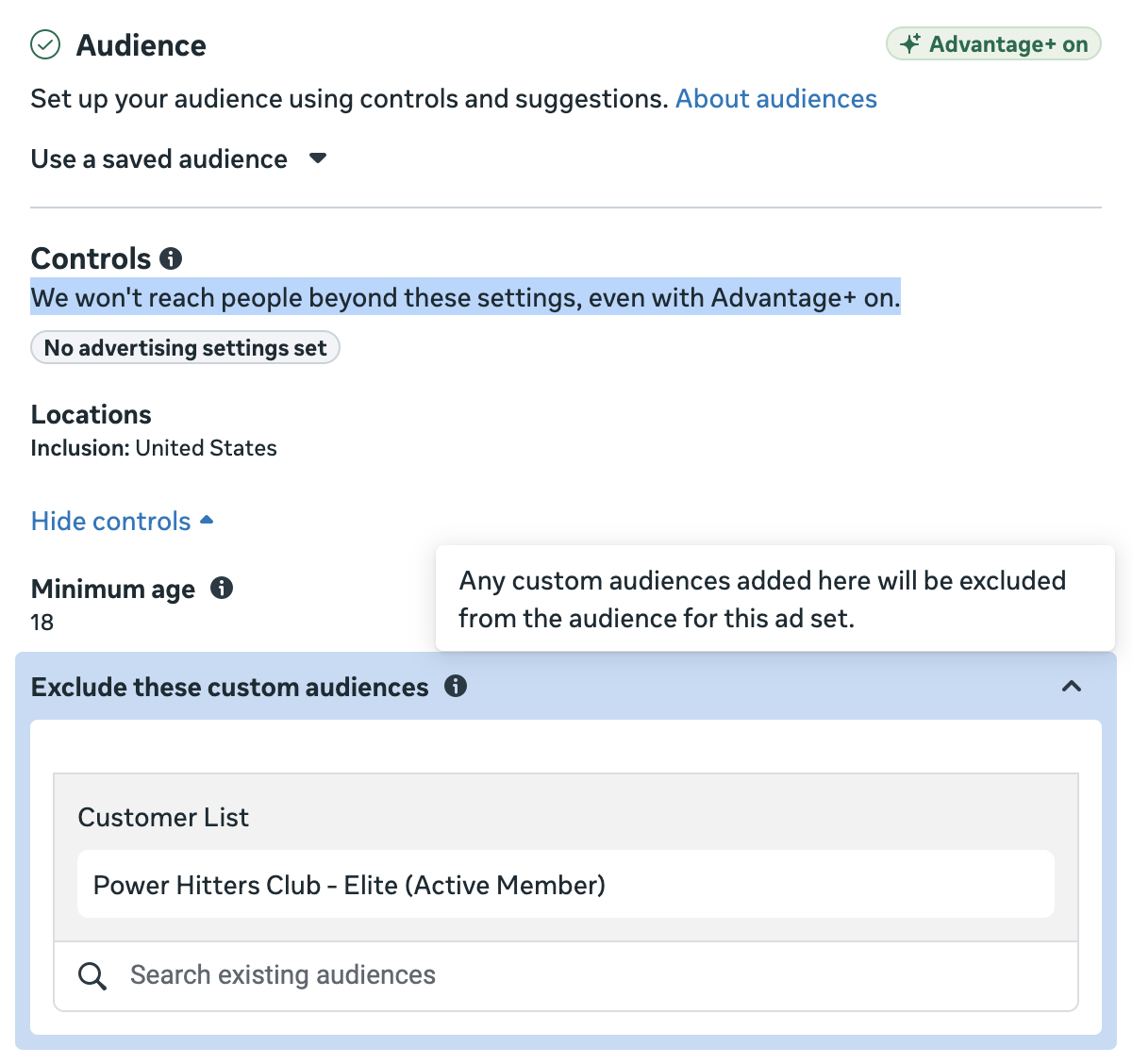
It couldn’t be much clearer.
Beyond that, the only possible change since years ago could be the completeness of custom audiences, which could make exclusions less effective. While it’s true that website custom audiences are likely less complete than years ago due to iOS 14 and various privacy laws, advertisers also have more tools related to the Conversions API and customer list custom audiences, which can include far more columns of data than they once did.
You will always be more likely to notice when someone isn’t properly excluded than when they aren’t properly targeted. There are often many potential reasons why someone wasn’t excluded, and many of these responsibilities fall on the advertiser.
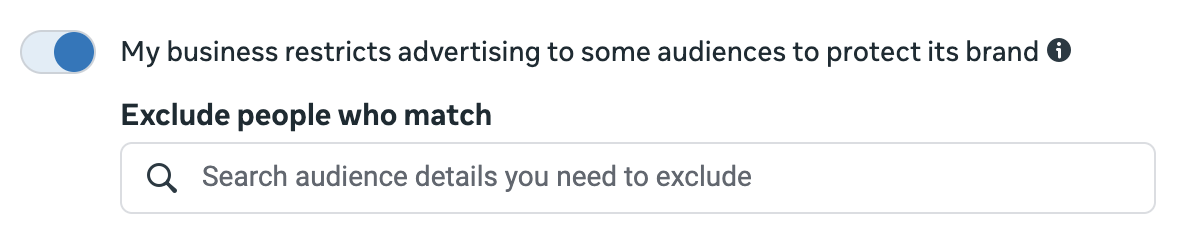
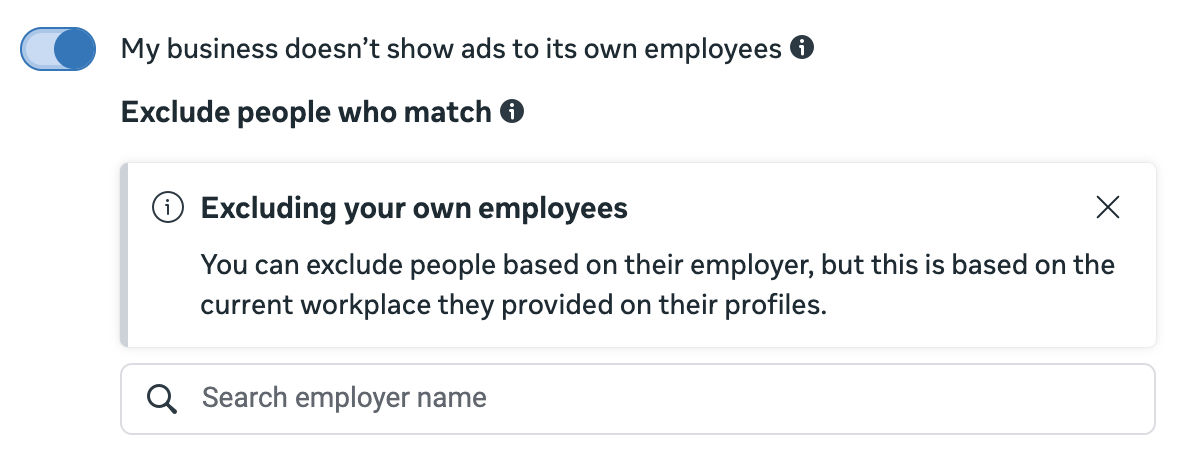
The other change is that there are account-level exclusions now found in Advertising Settings. There are four different audience controls that can apply account-wide.
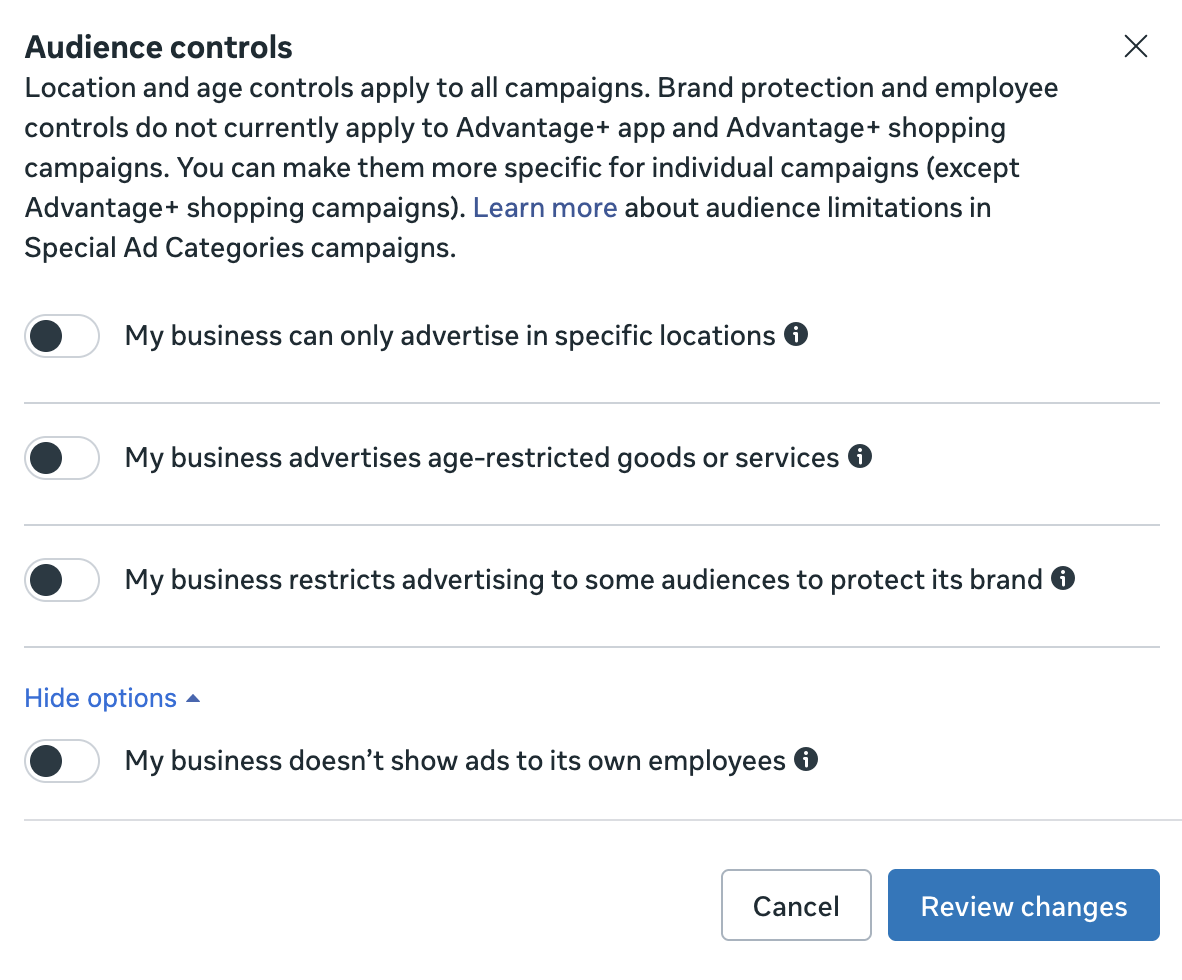
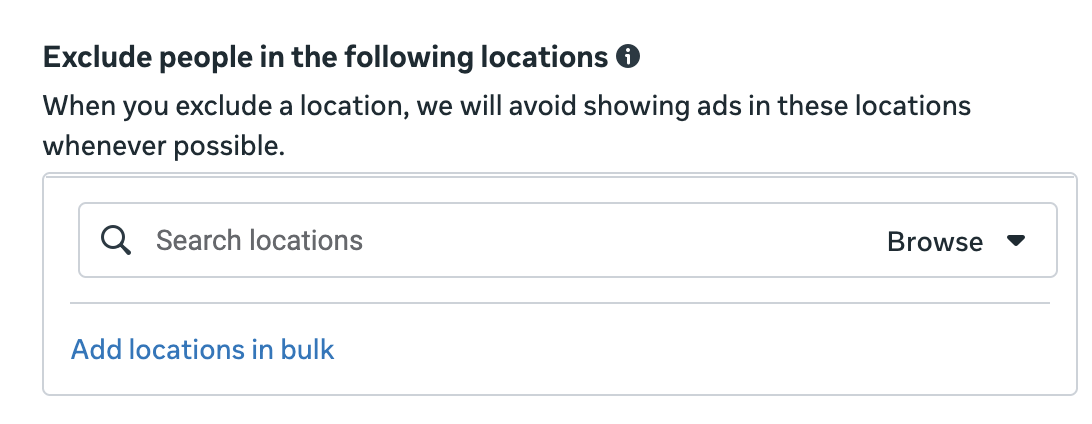
You can exclude by location…
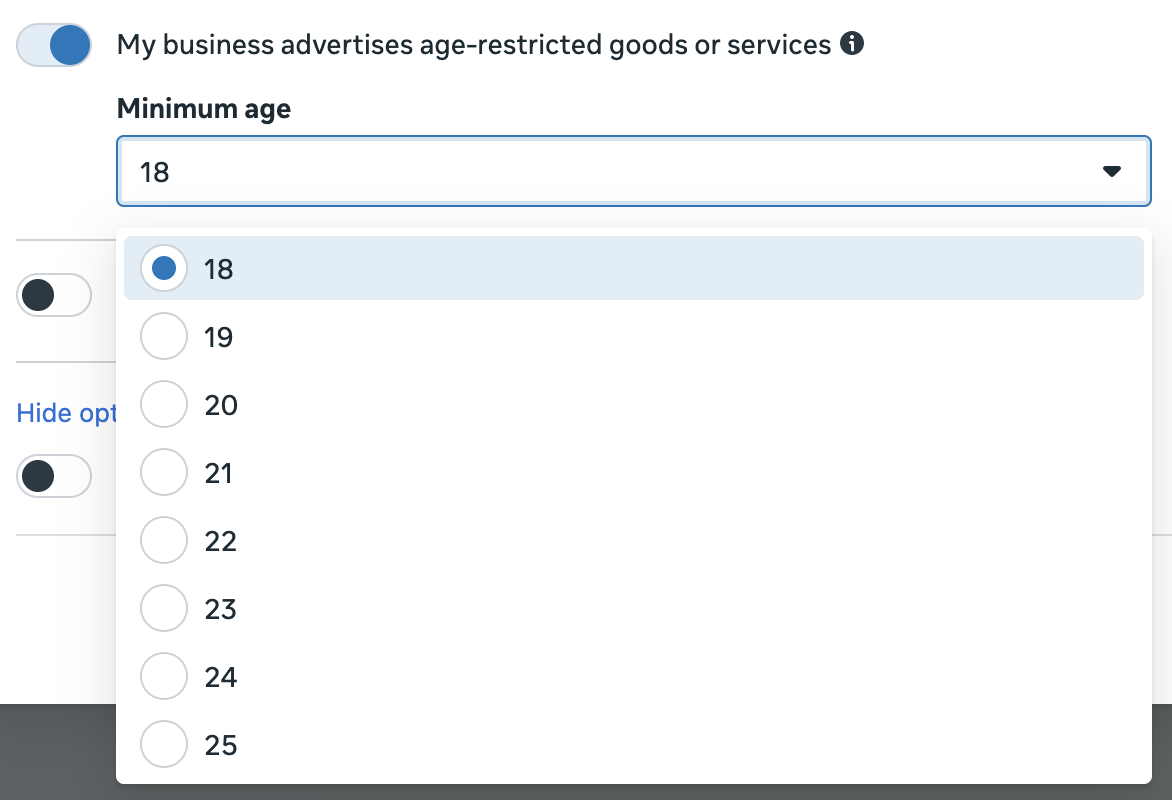
Set an account-wide minimum age of up to 25…
Exclude certain categories, though I’ve never been able to get something to appear here…
And exclude employees…
How to Approach Exclusions
This is one you shouldn’t spend a whole lot of time worrying about.
There’s rarely, if ever, a reason to exclude lookalike audiences. I honestly can’t even think of a viable reason, especially now that lookalikes are almost always suggestions when targeting. Why would you exclude a lookalike?
Rarely, if ever, apply account-wide exclusions. The minimum age would only make sense if you promote an age-restricted product, like alcohol. There’s no reason to use this simply to reflect your “ideal” customer.
Consider custom audience exclusions to exclude the people who bought what you’re promoting. This is especially the case if your product can only be purchased once. Use as many custom audiences that represent that customer as possible to make that exclusion close to complete.
Of course, you could make the argument to not exclude those customers, too. Your happy customers may be those most willing to add positive comments to your ad. It’s certainly a personal preference.
I know some advertisers will have one ad set that’s purely prospecting and exclude some or all custom audiences. I understand wanting to reach a new audience, but I wouldn’t intentionally exclude people who would be most likely to buy.
The one potential exception would be if Meta is spending too much on remarketing when targeting algorithmically, and this can happen. When it does, you might create separate ad sets for remarketing and prospecting so that you can better control the amount of money spent on current customers.
Free Mini-Course
If Targeting Inputs Don’t Matter, What Does?
You’ve learned that most targeting inputs are just suggestions now. So how does Meta decide who sees your ads? The answer is Andromeda — Meta’s retrieval engine — and your creative is the new targeting. My free Andromeda mini-course covers what it actually is, what it isn’t, and how to use creative diversification to reach the right people without touching a single audience setting.

