Meta is rolling out a feature that allows advertisers to choose an audience for each ad creative. Since there is documentation, I assume it’s an official feature that’s currently rolling out rather than a test.
It’s honestly a surprising new option, given that Meta keeps taking away control. But at the same time, it could be a good alternative to creating separate ad sets for different age groups, assuming that’s what you’re doing now.
Let’s take a closer look…
Requirements
As far as I can tell, there are no requirements by campaign objective. And every performance goal I tried offered this option as well. There was one minor variation for Sales campaigns, where it’s on by default when you’ve chosen to further limit the reach of your ads (it’s otherwise off by default for other objectives).
It’s also available whether you’re using the new creative workflow (also known as multimedia experience) or the original single media experience. It’s a bit different depending on your setup, so I’ll show examples in this post.
If you follow my instructions and still don’t see it, you just don’t have it yet. Sorry.
Toggle It On
Within the ad set, scroll down to the Audiences section. Click to “further limit the reach of your ads.”
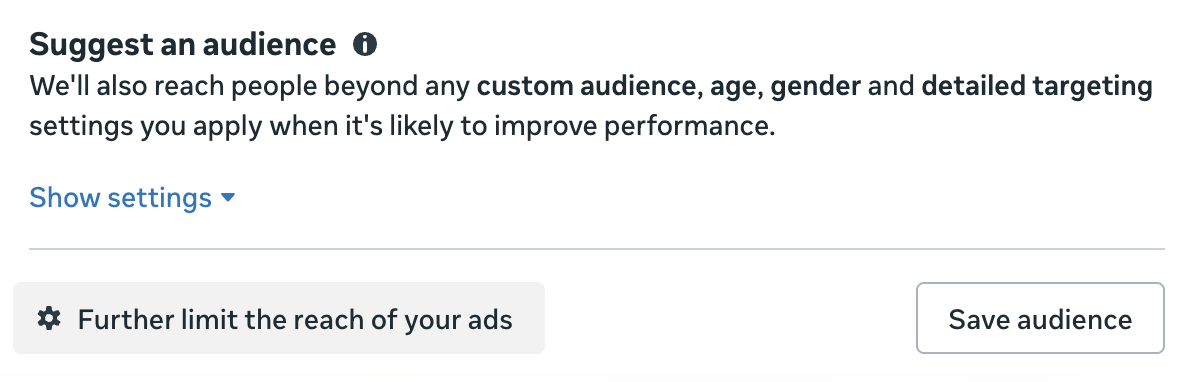
Know that I wouldn’t normally recommend you click this button, especially when running Sales campaigns. And I’m honestly not sure why it’s not just an option by default anyway.
If you’re within a Sales campaign, “Choose an audience for each ad creative” should be toggled on by default at this point.
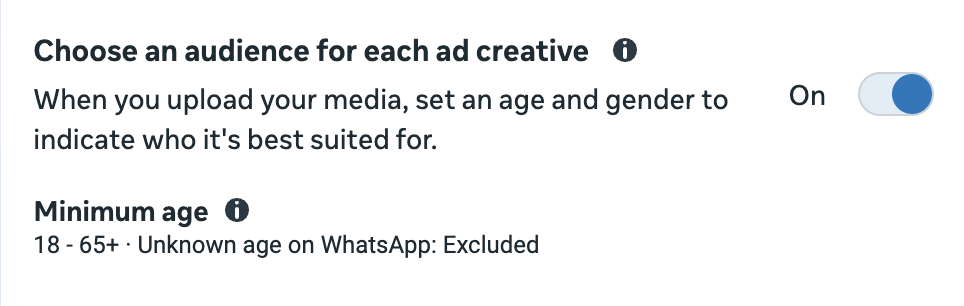
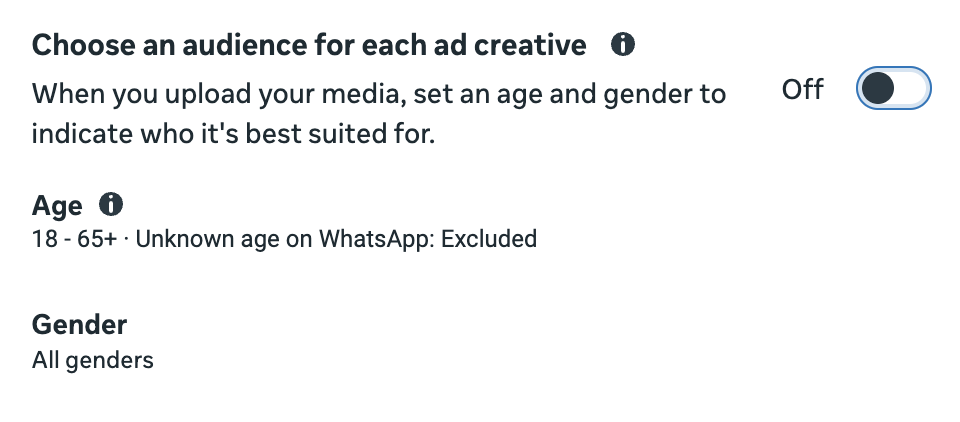
When using any other campaign objective, it will be off by default and will need to be toggled on.
Hover over the tooltip, and you’ll get additional details…
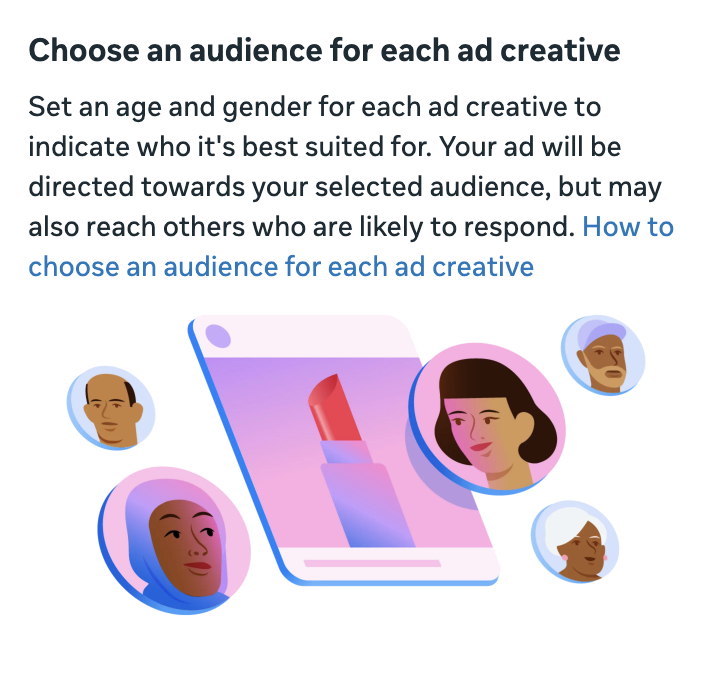
Here’s what it says:
Set an age and gender for each ad creative to indicate who it’s best suited for. Your ad will be directed towards your selected audience, but may also reach others who are likely to respond.
Something you may have noticed in my screenshots is that age range (only minimum age) and gender are not options for restricting your audience while this feature is toggled on.
Customize With Multimedia Experience
If you have the multimedia experience for ad creation, upload at least one image or video. You should then see this option to “choose an audience for each media.”

You can either click the Edit button there or “customize media” under the Media section.
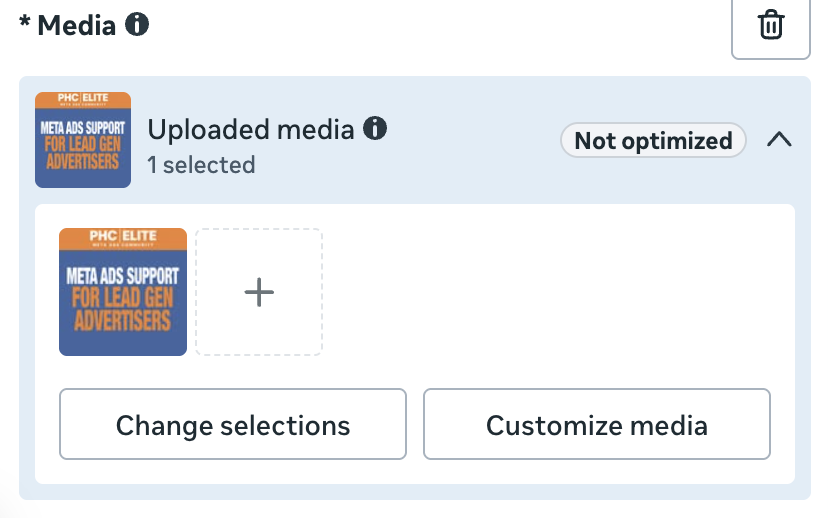
You’ll see a new category: “Audience for This Media.”
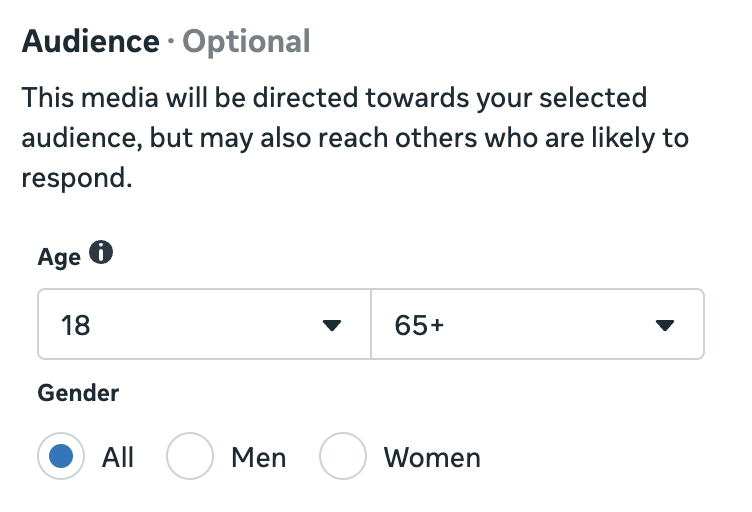
You can then define your audience by age and gender for the specific media you’ve selected. Here’s what Meta says:
This media will be directed towards your selected audience, but may also reach others who are likely to respond.
So note that this isn’t a tight restriction. It kind of sounds like you’re making an audience suggestion for that ad creative.
Because you can upload multiple images and videos for a single ad with the multimedia experience, you can customize the audience for each image or video by age and gender.
Customize With Single Media Experience
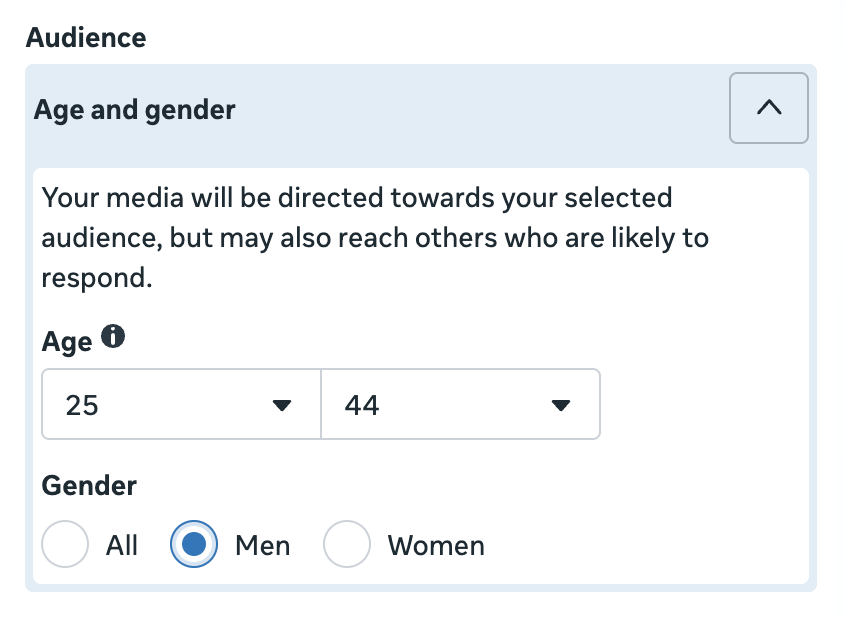
If you’re using the original single media experience, you won’t have the button to customize media. But there will be a new Audience section under your media placement groups.
Why Might You Use This?
I think this feature makes the most sense for a brand that offers a product that appeals to a wide variety of demographics. And maybe the benefits and ways the product is used vary depending on that demographic.
Meta provides this example:
- Financial products advertisers might decide that retirement planning videos are best suited for people aged 50-65, and that savings account videos are best suited for all ages.
- Fashion retailers might decide that images of women’s sweaters are best suited for women, and that images of men’s sweaters are best suited for men.
At the very least, it’s generally understood that people respond to ads that reflect their lives back to them. So if you’re targeting a man aged 65 or older, you should feature a man aged 65 or older in the creative. They’re less likely to respond to ad creative featuring a 25-year-old man.
Since Meta doesn’t use these demographic settings as tight constraints, it’s tough to say how closely they’re followed. If they’re no different than the typical audience suggestions, it’s easy to assume they’ll be ignored if Meta believes reaching people beyond your defined group with that creative will lead to better results.
Bottom line: It sounds like a lot of work, but everything is worth testing. If you have the motivation to set this up for different demographic groups, especially if you can generate meaningful volume from each one, I’d love to hear how it works for you.
Why Would Meta Offer This Option?
We’ve heard that your creative is the targeting now, so shouldn’t Meta be able to find your ideal audience based on the creative without requiring manual customization?
I see this option as being a sort of middle ground between full algorithmic targeting and audience restrictions, similar to value rules. Meta prefers that you use audience suggestions instead of restricting by age and gender. But if you want control, value rules give you the option to increase or decrease bids by age or gender (among other things).
This is similar. But it’s also sneakier because the control isn’t quite what advertisers may assume it is. Meta can still reach people beyond your defined age and gender groups when using this feature, even though you had chosen to further limit the reach of your ads.
The main problem it solves, both for Meta and the advertiser, is that it eliminates one reason someone might create multiple ad sets. Without this feature, you’d need to create different ad sets for each age and gender group. This feature allows you to consolidate into a single ad set, which is what Meta typically wants.
If you’re using the single media experience, you could create separate ads, each going to a different demographic group. But if you’re using the multimedia experience, you could technically make all of those demographic and creative customizations within a single ad.
Your Turn
Do you have this feature? How would you use it?
Let me know in the comments below!