You can now set up custom attribution…
Meta announced custom attribution recently as a way to provide different options for how conversions are reported. If you use a third-party analytics partner, in particular, this could prove useful.
How to Set It Up
Within the Settings tab of Events Manager, you may see a new section for “Custom attribution source.”
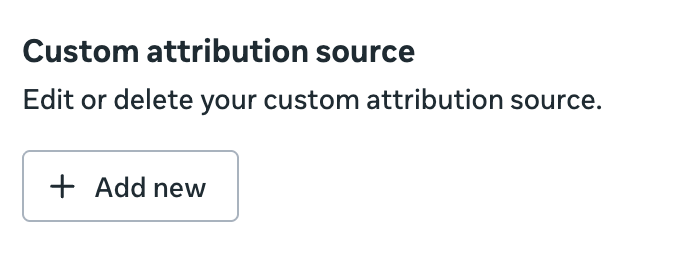
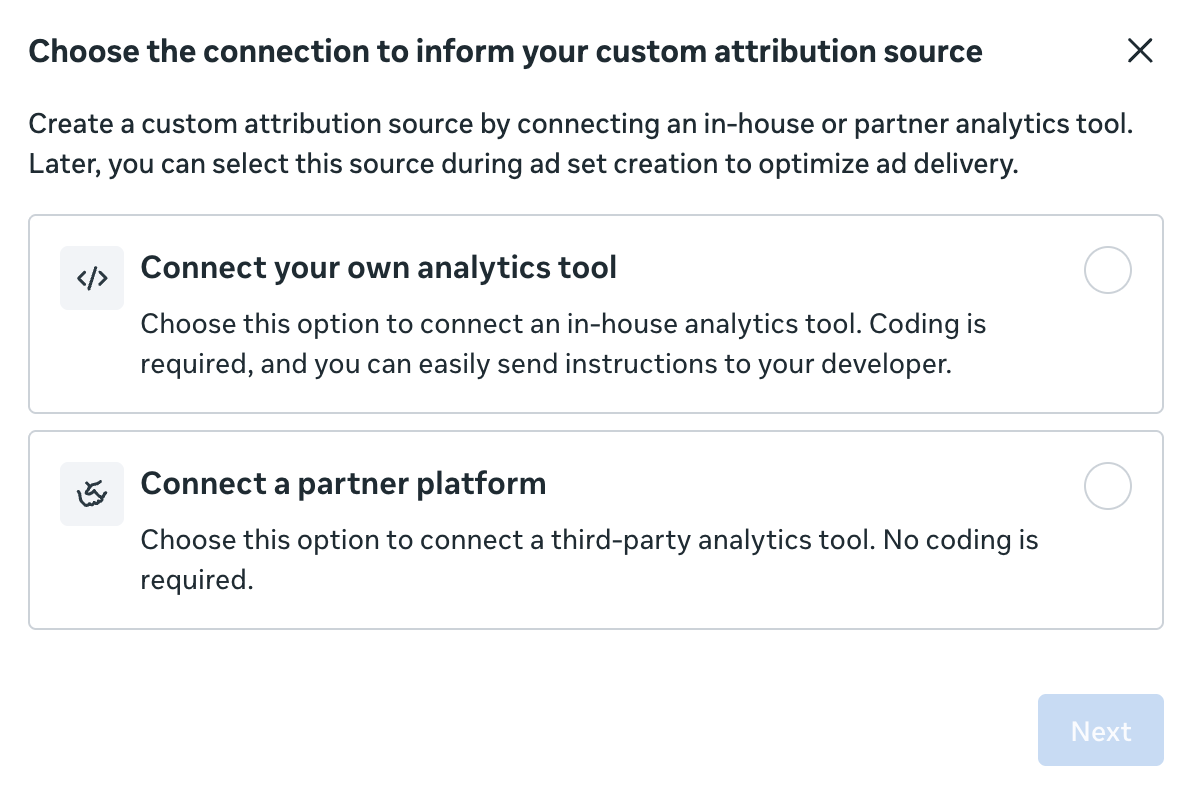
Click “Add New” and you’ll have two options:
- Connect your own analytics tool
- Connect a partner platform
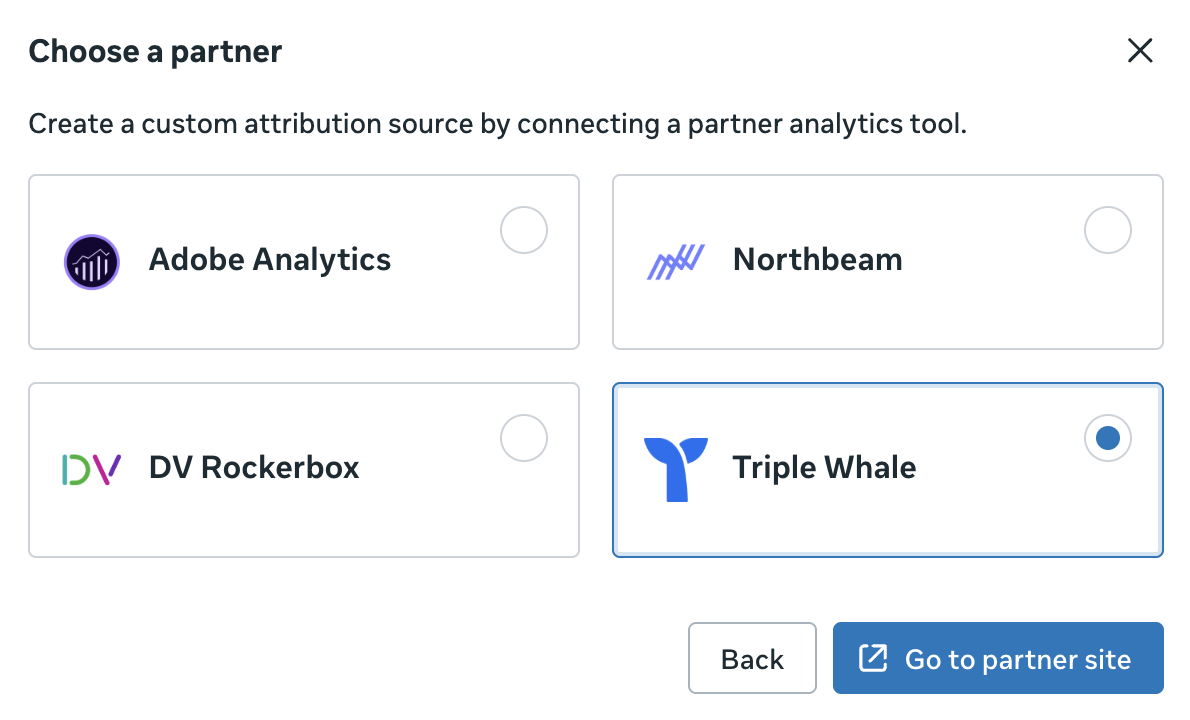
If you’re already using Adobe Analytics, Northbeam, DV Rockerbox, or Triple Whale, the integration is easy.
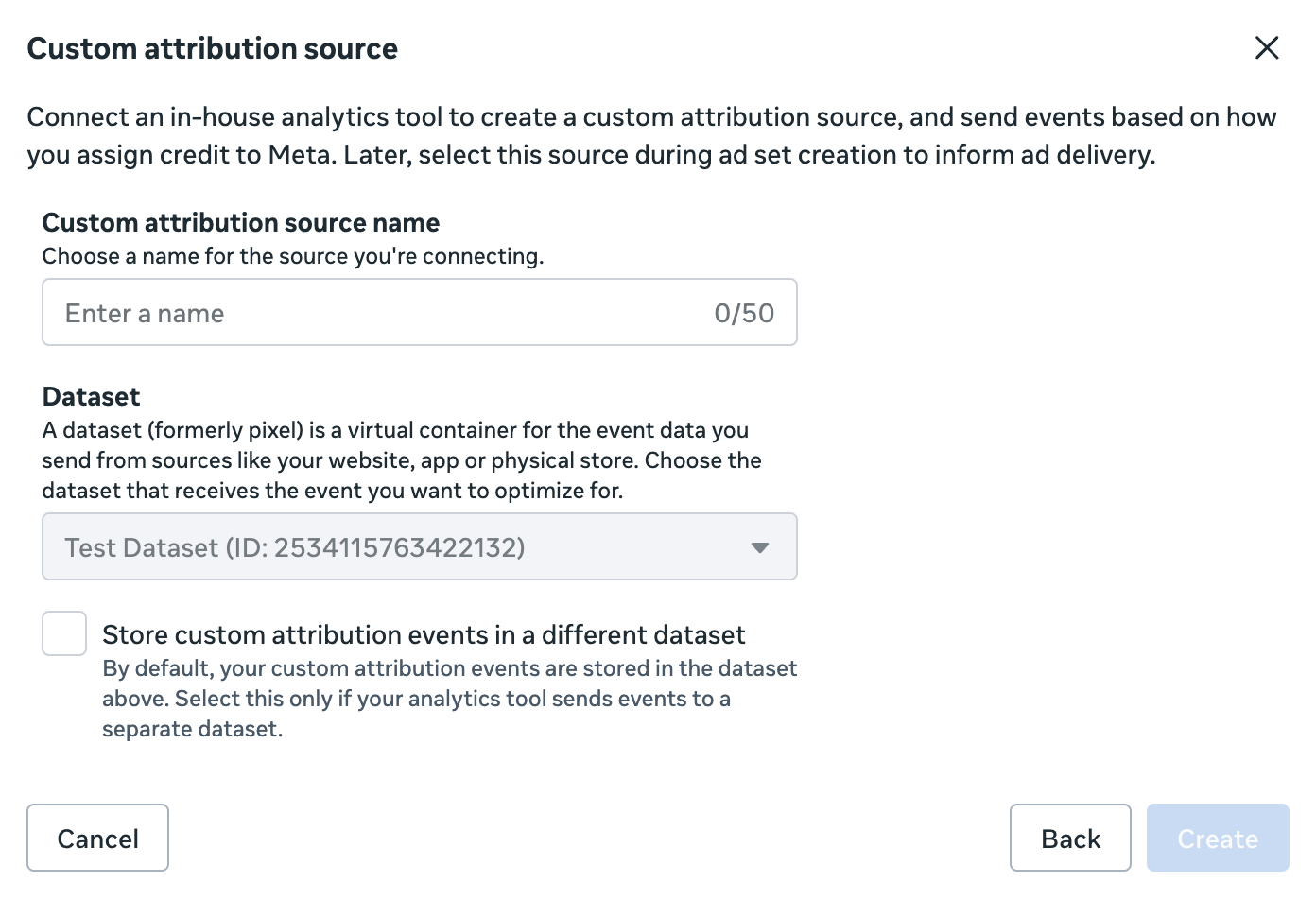
Otherwise, you’ll need to set up a custom attribution source.
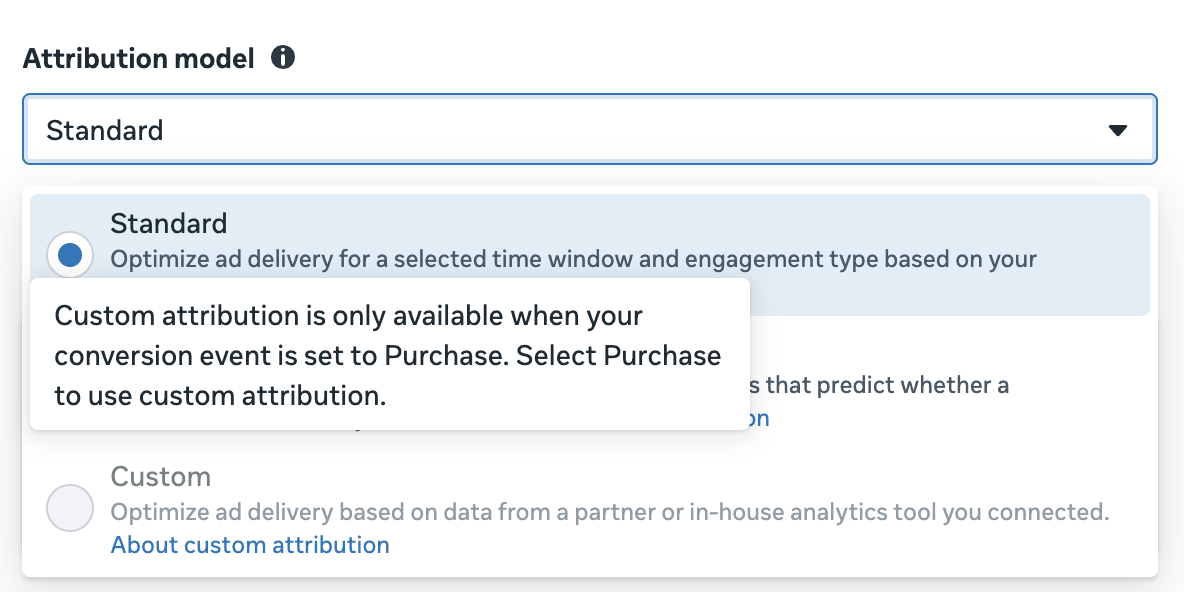
When you select an attribution model in the ad set, Custom Attribution is an option. Once you’ve completed the custom attribution source integration or setup, this option will be selectable.
Should You Set Up Custom Attribution?
Most advertisers screaming for custom attribution come from a place where the assumption is that Meta steals credit for conversions. This is usually based in a misunderstanding of how attribution works, as well as an unwillingness to understand their conversion results.
It’s a shiny object, but I’d reserve this for very limited situations. You need to actually get the volume of results that have helped you determine that custom attribution is useful for you. And I doubt it’s worth the effort to set this up if you don’t have the partner integration option.
It’s not something I’m using, but just know the option is there.